
Freight costs can be included in a sales order or sales quote.In a sales order the Freight Quote option will be under the Process menu (In Business Central: Actions > Shipping Rate Quote):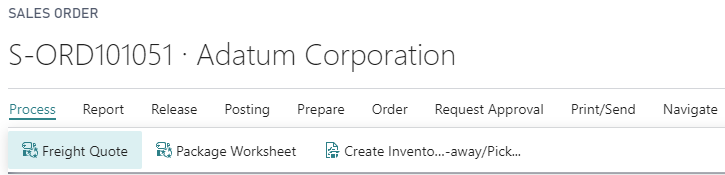
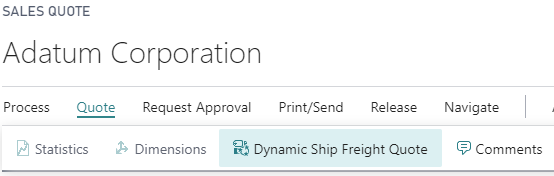
In a sales quote the Dynamic Ship Freight Quote option will be under the Quote menu (In Business Central: Actions > Shipping Rate Quote):
For both types of sales documents you will get the Dynamic Ship Freight Quote page:
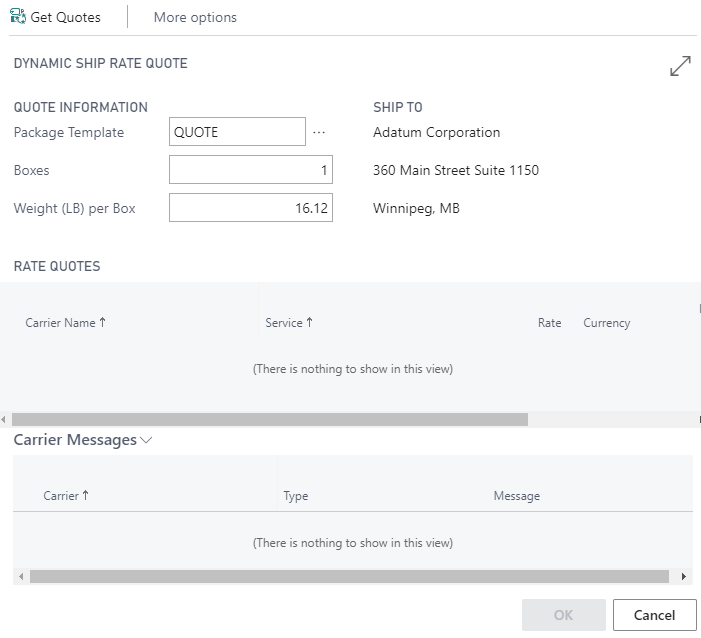
You will need to fill in all 3 fields before clicking on the Get Quotes button:
- Select an appropriate package template to set the box size.
- Enter the number of boxes.
- Enter the weight per box (default is the sum of the gross weight from the item cards).
All freight costs will include any markup you have defined in your freight price rules.
Still need help?
Ask other Business Central users in the Insight Works community, or send the details to the support team. Include the steps you took and any error message you saw.