
The following data must be configured before Dynamic Ship can successfully get labels.
1. Address Details for Locations and Customers
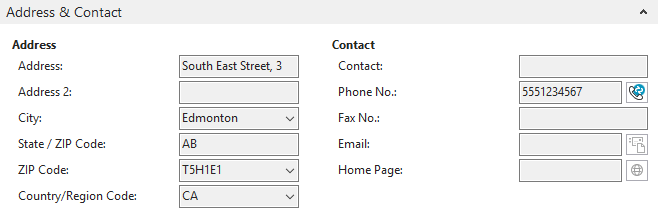
Carriers require these fields to have value. You must abide by this format. For example, when shipping to Hong Kong without a postal code, use 00000 or 99999 or any other value. Some countries may write their addresses in different formats, but that localization must be stripped to match the APIs’ expected format. You can find all of the necessary information online (e.g., how to format Japanese addresses).
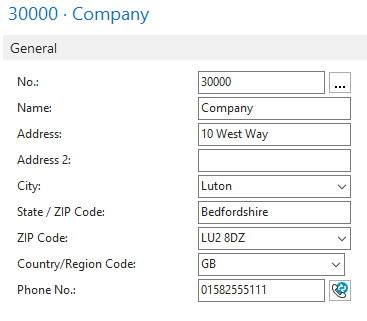
2. Item Details
For international shipments, Dynamic Ship can pull information from the item. The following fields are copied if data is present:
- Unit Cost
- Unit Price
- Tariff No.
- Country/Region of Origin Code
- Gross Weight
- Description
If the data is not present, the fields are left blank, and you must manually fill them in.
Still need help?
Ask other Business Central users in the Insight Works community, or send the details to the support team. Include the steps you took and any error message you saw.