
If you want to utilize UPS SurePost with your EasyPost account, you must request it.
UPS prefers that these services are hidden by default. You must email EasyPost (su*****@******st.com) a request detailing that you want to enable SurePost. Either send it from the account associated with EasyPost, or include the associated email in your message, so they can identify the correct account.Once enabled, you can add UPS SurePost as a separate carrier through EasyPost’s portal.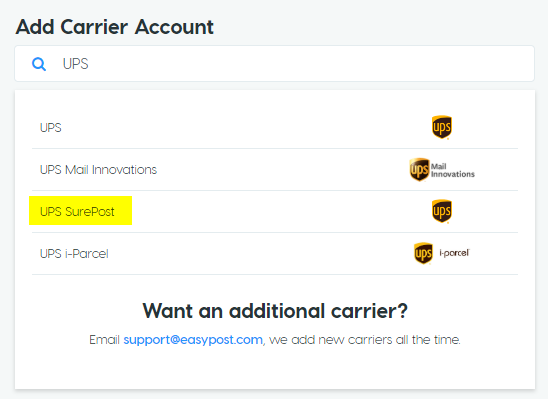 The UPS portal login ID that you use to set up this carrier must be a regular ups.com user, not a CampusShip user.Follow the steps on the Getting Started with Dynamic Ship page to add the new carrier to Business Central. This allows Dynamic Ship to send the rate and label requests.
Once you have added the carrier to Dynamic Ship Carriers, you can add the following two services to Surepost:
| Description | Service |
|---|---|
| Less than 1 lb | SurePostUnder1Lb |
| Greater than 1 lb | SurePostOver1Lb |
Still need help?
Ask other Business Central users in the Insight Works community, or send the details to the support team. Include the steps you took and any error message you saw.