
Skip to content

WMS Express

Android app column settings

Viewing 6 posts – 1 through 6 (of 6 total)
  • Author
    Posts
  • #8593
    Jim O.

    Hi,

    One of out customers recenty contacted us because the column settings in the WMS Express app had been completely reset on one of their handhelds had reset  for all functions.

    What can be the couse of this?

    Is it possible to save the column settings and use as a template to save time when setting up a new handheld or if the app loses it’s settings?

    Thanks,

    Jim

    #10153
    Terri V.
    Insight Works

    Hello Jim,

    Android scanners require the locally cached column profile on the device to be cleared in order to download the current column settings from BC.

    Please do the following on the new scanner:

    1. From the Warehouse Insight main landing page on the device, tap ≡ Menu > Configure.
    2. The configuration menu will open.
    3. Tap ≡ Menu > Data > Clear Profile. This will clear the device-specific column customizations and download and cache the current column settings from BC.
    4. Tap ≡ Menu > Close.

    You will need to repeat this process after making any changes to the column settings in BC.

    Thank you,

    #10155
    Jim O.

    Hi Terri,

    OK, I was not aware of that it is possible to control the column settings from BC. Where in BC can I do that?

    Thanks,

    Jim

    #10158
    Terri V.
    Insight Works

    Hello Jim,

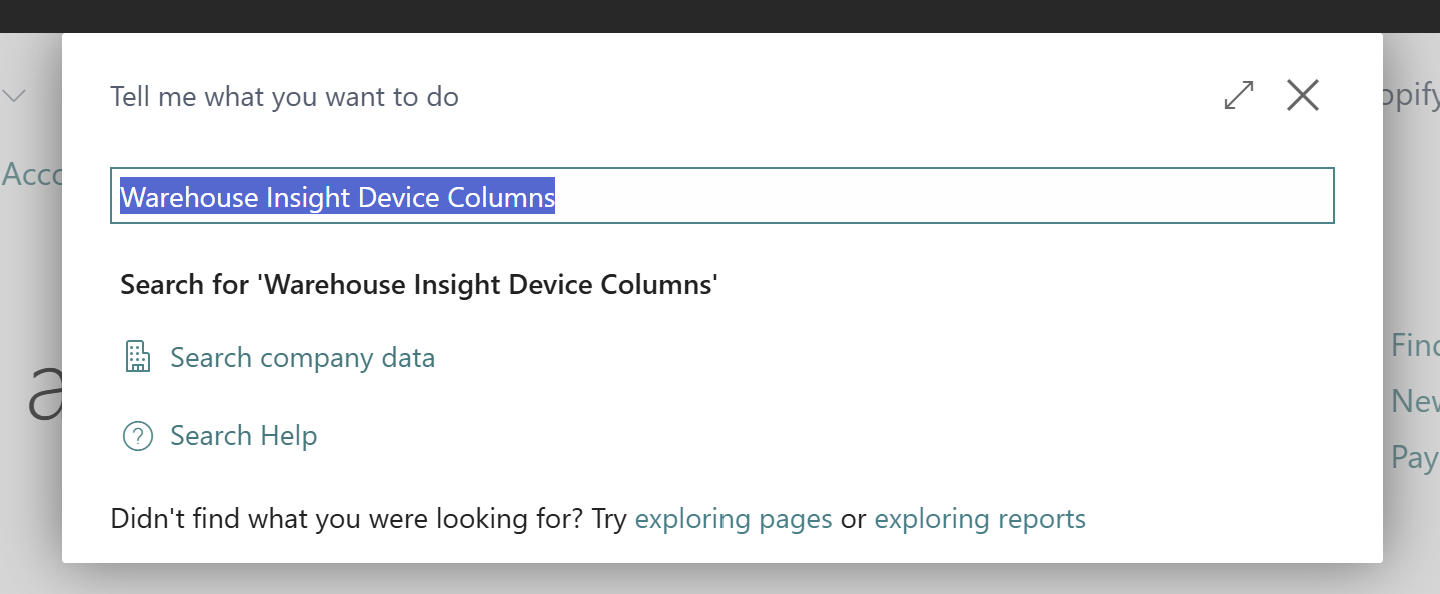
    Search for Warehouse Insight Device Columns in Business Central to view the available fields and then use the Event Category column to filter on the application you wish to adjust the column fields for.

    Thank you,

    #10159
    Jim O.

    Hi Terri,

    I try to search for that in BC but can not find it.

    What do I do wrong here?

    Thanks,

    Jim

    #10161
    Terri V.
    Insight Works

    Hello Jim,

    The Warehouse Insight Device Columns page is not available in the WMS Express version, which is our free product.

    Thank you,

Viewing 6 posts – 1 through 6 (of 6 total)
  • Sign in below to reply.