
Shop Floor Insight requires language settings to be configured in the NAV or Business Central on prem service.If these are not configured it will error out on “Failed to load UI language”: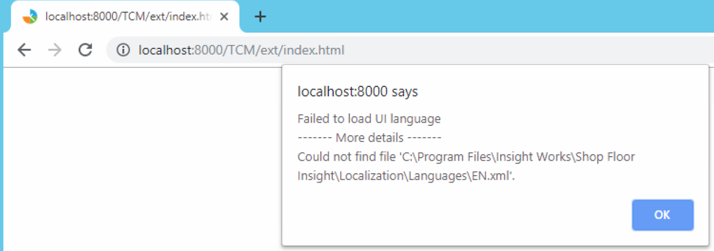
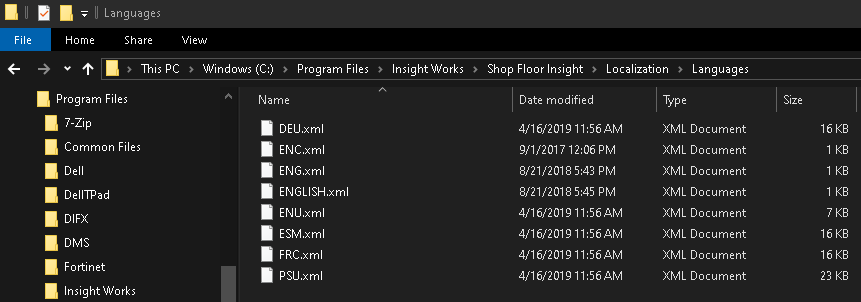
The available language files are located in the Shop Floor client server in the “C:\Program Files\Insight Works\Shop Floor Insight\Localization\Languages” folder:
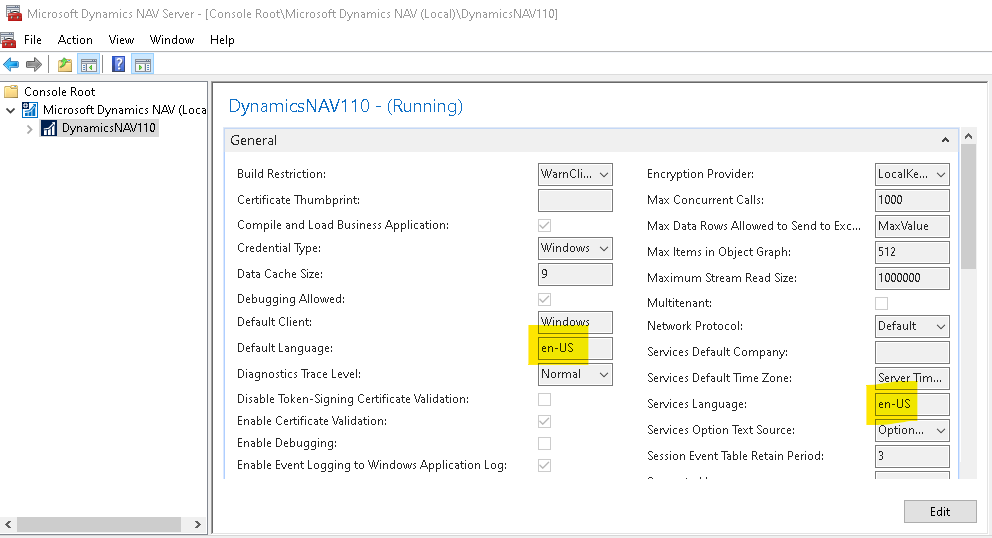
To fix the error, configure both a “default language” and a “service language” in the NAV service and then restart the NAV service:
Restart the Shop Floor service and refresh the page in Chrome to log in.
Still need help?
Ask other Business Central users in the Insight Works community, or send the details to the support team. Include the steps you took and any error message you saw.