
Step 2 of 12. Follow these articles in order.
Shop Floor Insight is available in Microsoft AppSource for Business Central SaaS. For on-premise installations of Business Central, an .app file is provided to your Microsoft Partner or Insight Works representative to install.
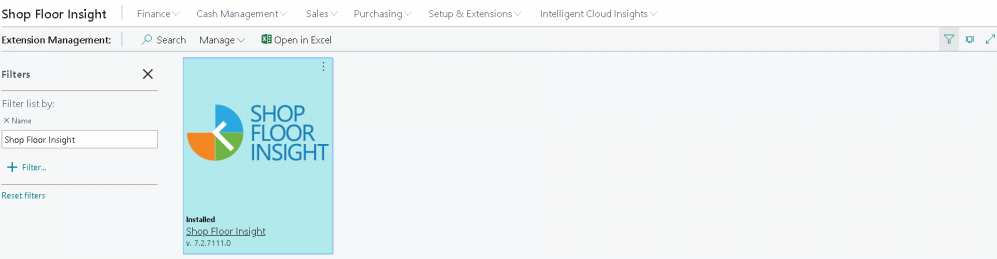
Once installed, the Shop Floor Insight app shows up in Extension Management.
Sandbox Testing
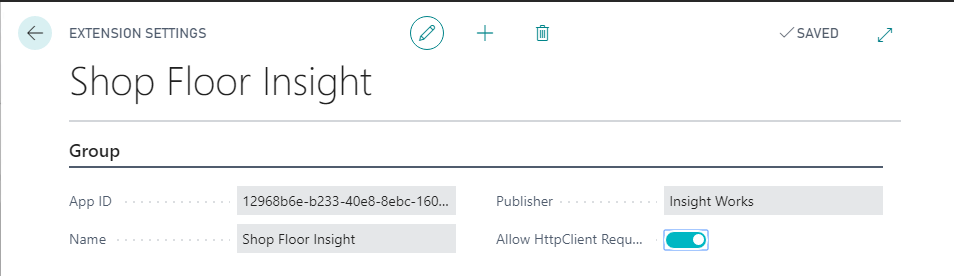
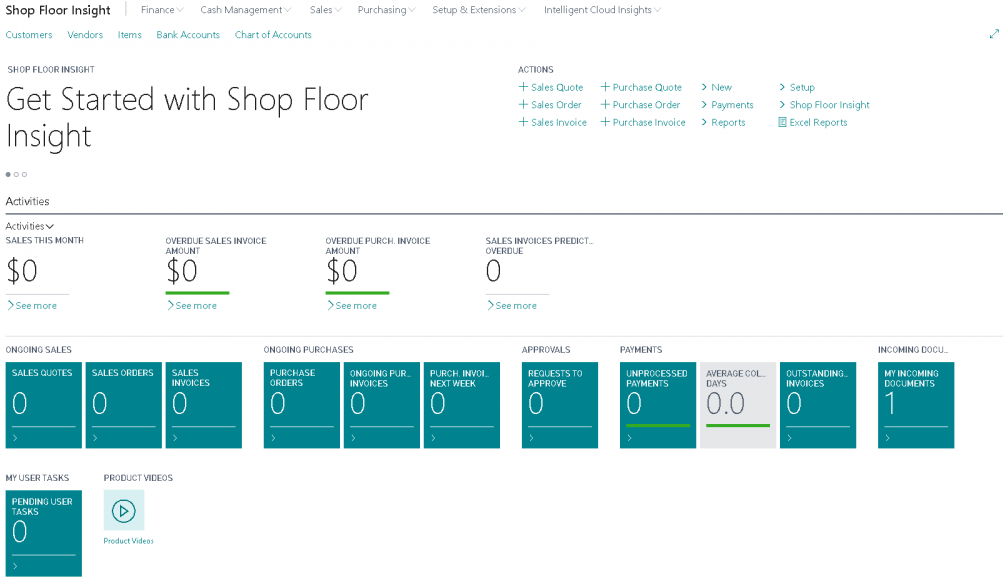
If you are installing or testing the app in a sandbox, ensure the add-on has Allow HttpClient Requests enabled. After installation, the Business Manager role changes to include the Shop Floor Insight menu and helpful headlines to guide you through the installation experience.
Shop Floor Setup Wizard
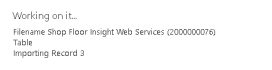
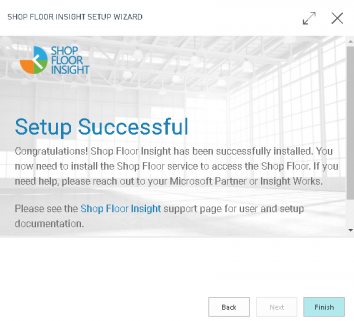
The Shop Floor Setup Wizard is intended to be used once after installation. The wizard imports a getting started rapidstart and performs web service integration.
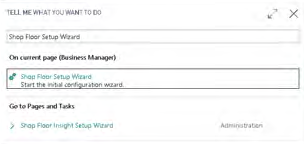
- Search for Shop Floor Setup Wizard.
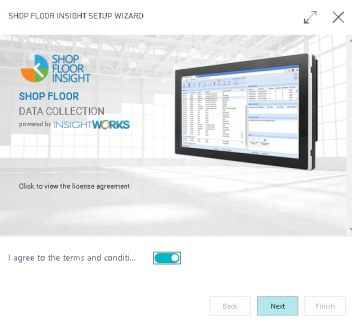
- Agree to the terms and conditions and choose Next.
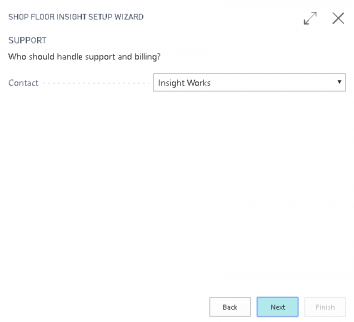
- Complete one of the following:
- You have a trusted Microsoft Partner who is an Insight Works reseller: change Contact to a registered Insight Works reseller.
- You do not have, or unsure you have a trusted Microsoft Partner, or your Microsoft partner is unavailable in the Insight Works reseller list, or you are testing the system: choose Insight Works.
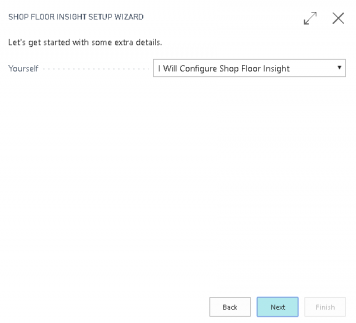
- Select Next (adds your current user into the Function Permissions configuration page; can be changed later).
- Select Finish.
Still need help?
Ask other Business Central users in the Insight Works community, or send the details to the support team. Include the steps you took and any error message you saw.