
Shop Floor Insight supplies an example Production Order Job Card report that supplies barcodes that can be used for collecting manufacturing time. These steps describe how to configure Business Central to use this sample report.
Note: it’s typical for manufacturing facilities to have customized job card reports. If you have a customized Production Order Job Card report make sure to use your customized report number instead of our sample barcode report.
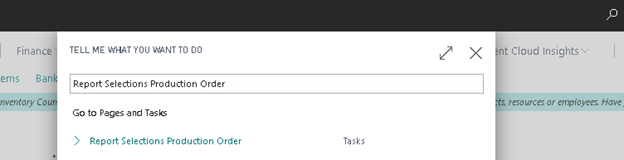
Navigate to “Report Selections Production Order”
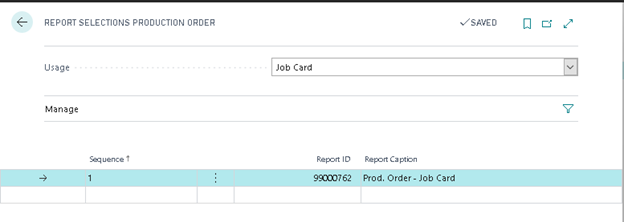
Set “Usage” to “Job Card”. The standard Business Central production order job card report is 99000762 “Prod. Order – Job Card”.
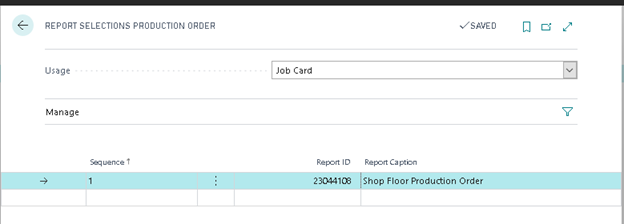
Change the “Report ID” to 23044108, it should then fill in the default caption of “Shop Floor Production Order”.
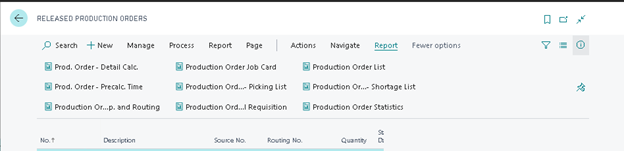
To test, navigate to a released production order, and choose “Production Order Job Card”.
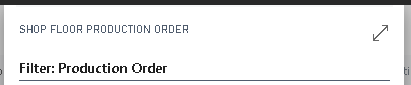
You should then see “Shop Floor Production Order” in the title of the report.
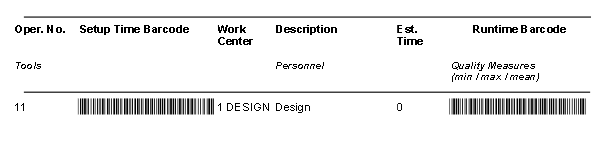
You should then see barcodes in our sample production order job card report.
Still need help?
Ask other Business Central users in the Insight Works community, or send the details to the support team. Include the steps you took and any error message you saw.