
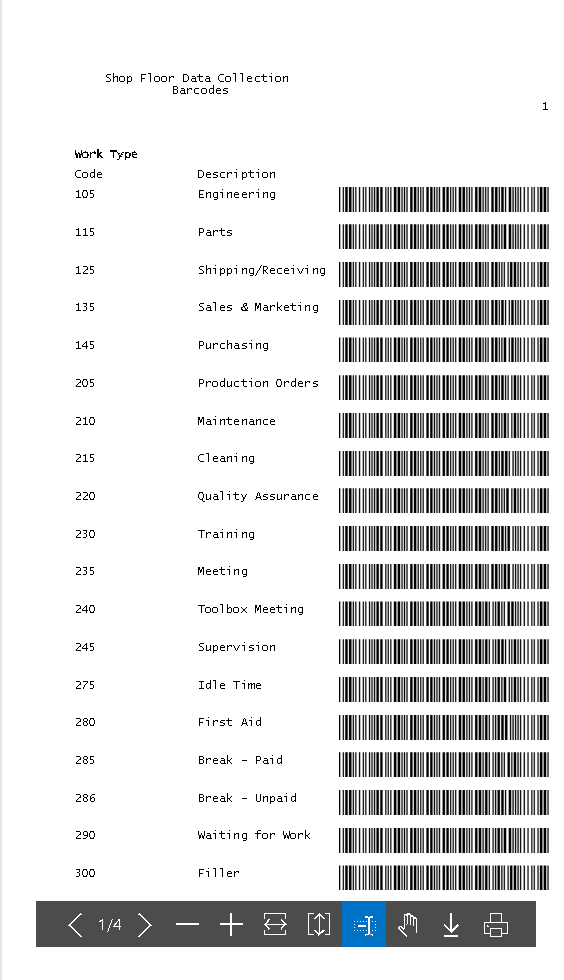
You can print specific activity codes for use with Shop Floor Insight, such as for lunch breaks, training, cleaning. These could be used near clock-in/clock-out stations so that employees can scan the codes for activities that are not directly associated with production orders or project/job tasks.
First, make sure to navigate to your “Shop Floor Activities”, identify the shop floor activity codes that you want to print and ensure they have the “Generate Barcode” flag checked.
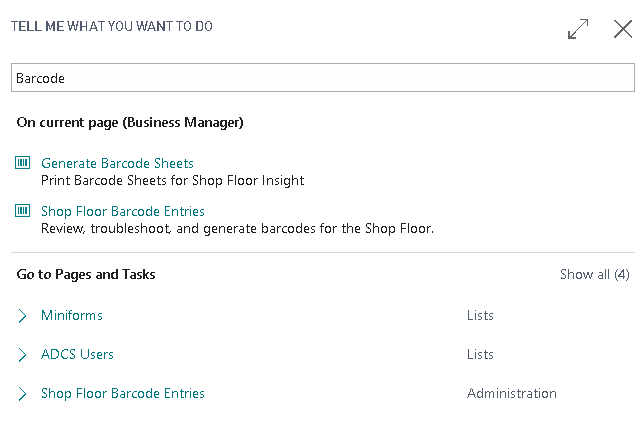
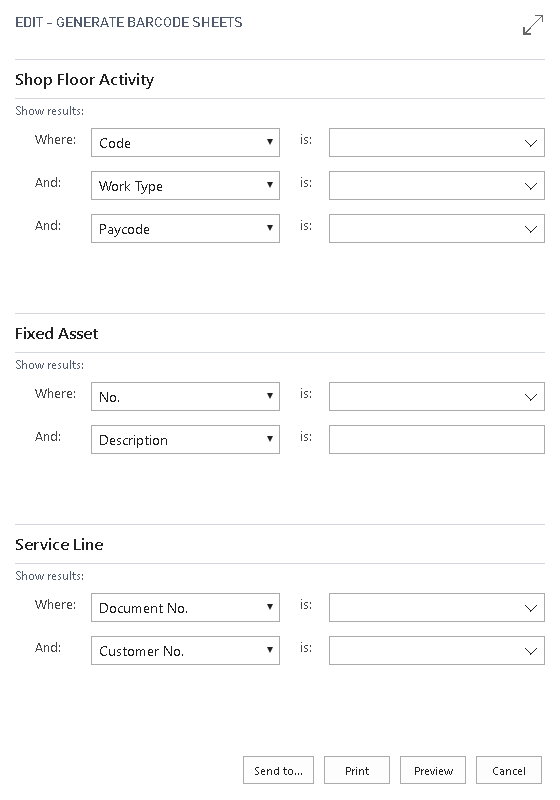
Once that is enabled, search for Generate Barcode Sheet. From there, you can either filter for the specific barcodes you need or generate a sheet containing all available activity barcodes.
Still need help?
Ask other Business Central users in the Insight Works community, or send the details to the support team. Include the steps you took and any error message you saw.