
Step 9 of 12. Follow these articles in order.
Shop Floor Work Centers connect to existing Business Central Work Centers or Business Central Machine Centers. These are used for capturing information for Production Orders such as:
- recording productive time to production orders
- rework time
- recording manual output
- recording manual consumption
- using the scheduling feature.
You need to create Shop Floor Work Centers for the Business Central Work Centers or Business Central Machine Centers you plan on using in the Shop Floor interface. Shop Floor Work centers allow configuration to automatically split time and advanced costing options outside of the scope of this section. You must have Business Central Machine Centers or Work Centers configured before starting.
Configure a Shop Floor Work Center
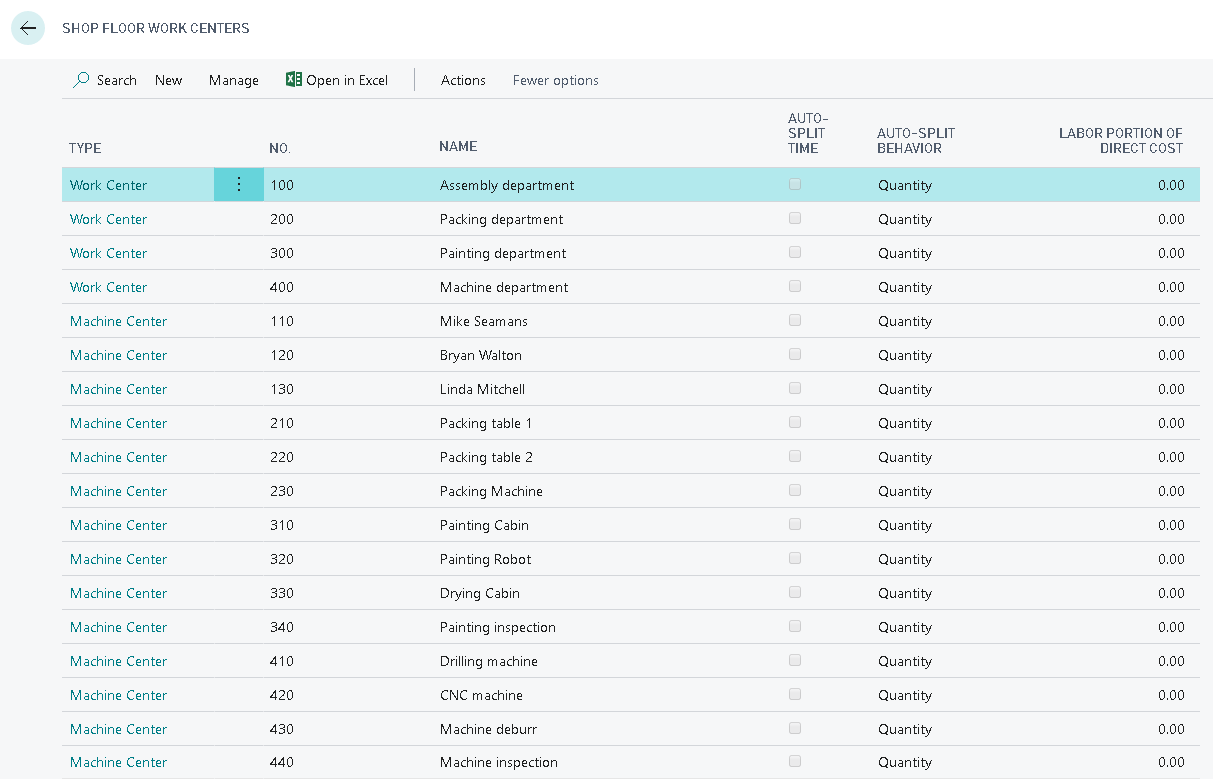
- Navigate to the Shop Floor Work Centers page in Business Central.
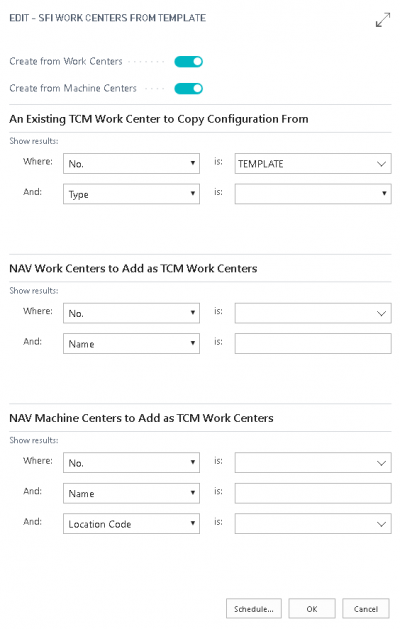
- Select NEW and select Create Shop Floor Work Centers.
- Enable the following:
- Create from Work Centers
- Create from Machine Center
- Select OK (prompt appears).
- Select Yes.
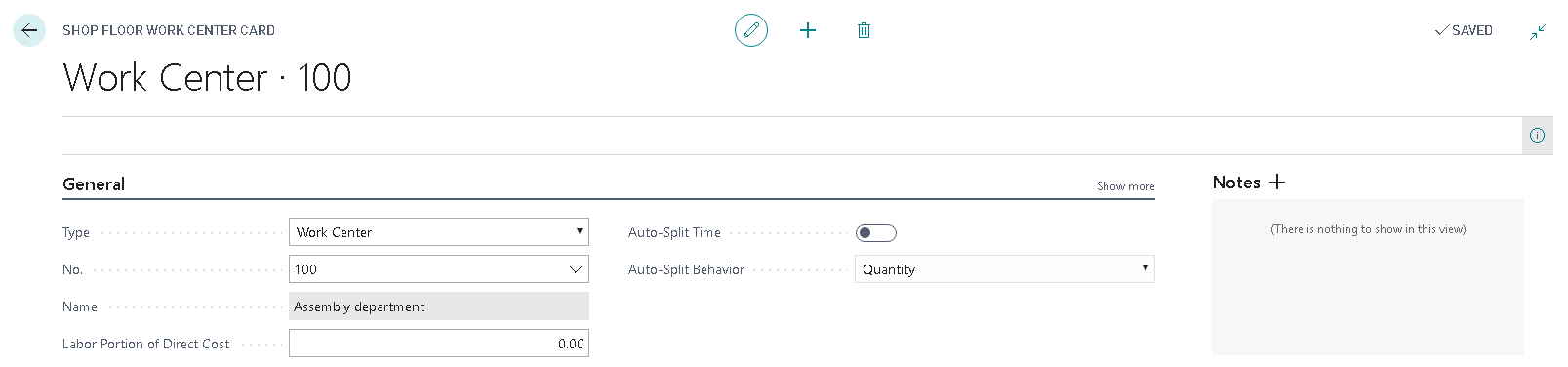
- Select Work Center from necessary line (opens).
- View Work Center card’s general information.

Still need help?
Ask other Business Central users in the Insight Works community, or send the details to the support team. Include the steps you took and any error message you saw.