
The Contact Sales History page provides users with an efficient way to look up a given contact’s past sales history to add to an existing order.
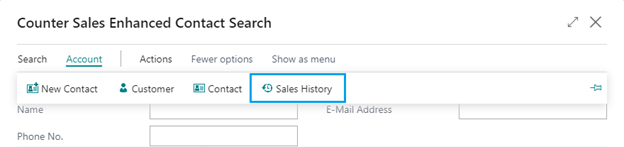
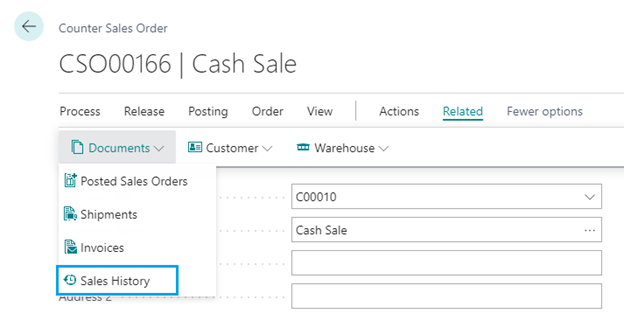
You can access the Contact Sales History page from the:
- Enhanced Contact Search
- Counter Sales Order
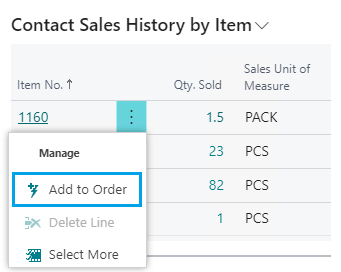
The Counter Sales Order page also includes the Contact Sales History by Item FactBox where the user can view the contact’s past item sales and quickly add the item to the existing sales order.
The user can select Qty. Sold to find the Contact Sales History for additional details on the past sales.
Still need help?
Ask other Business Central users in the Insight Works community, or send the details to the support team. Include the steps you took and any error message you saw.